
Features
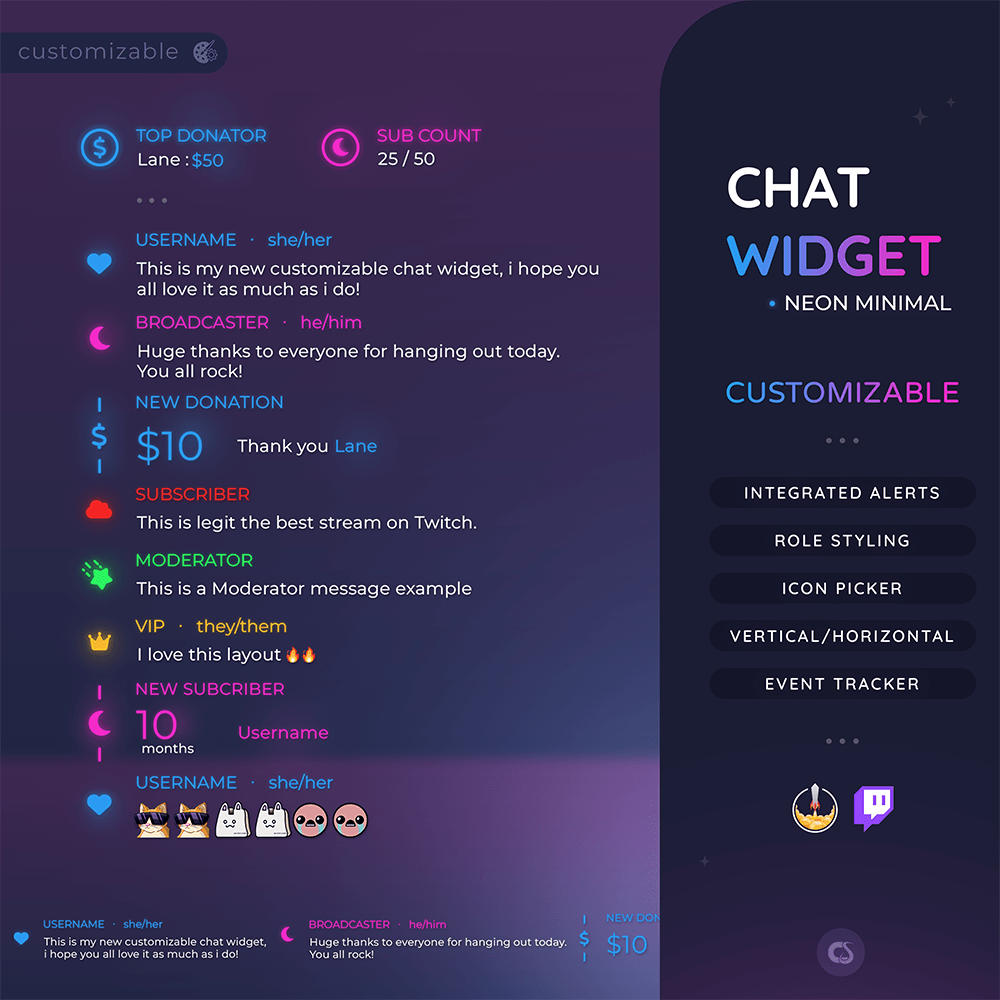
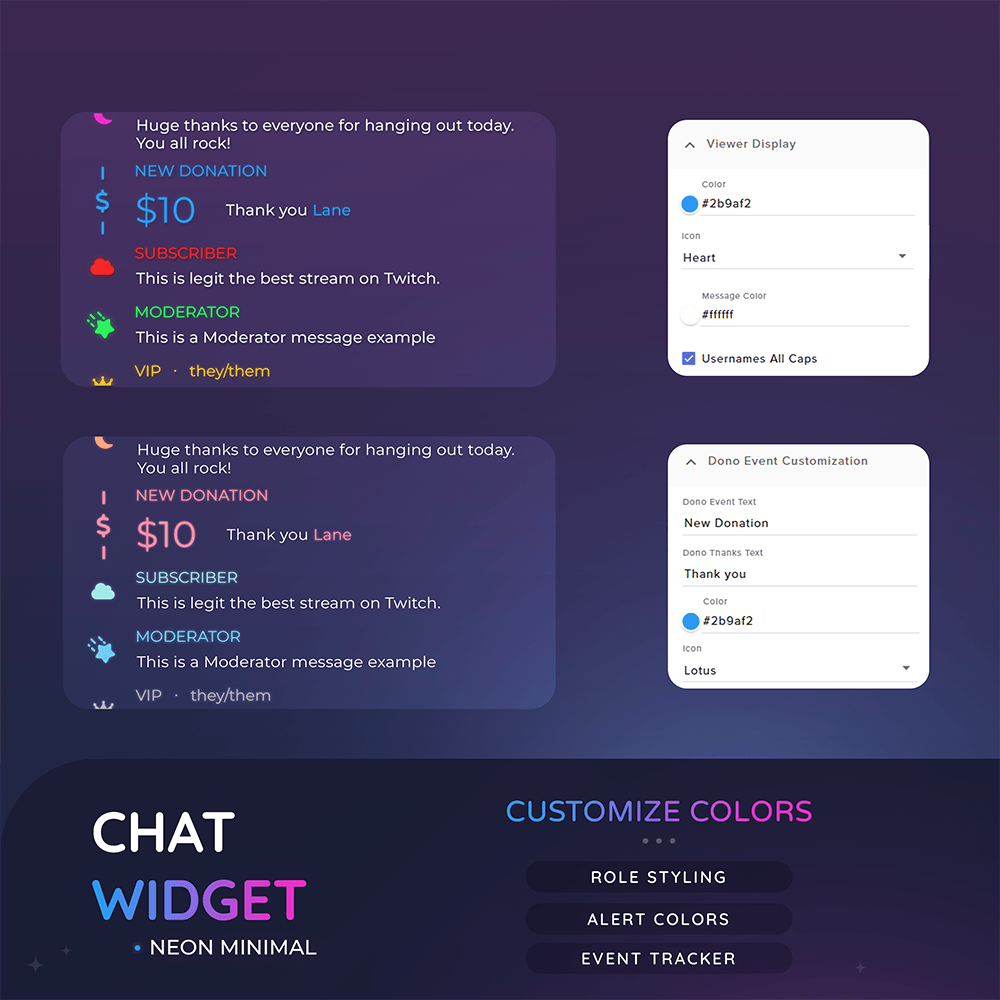
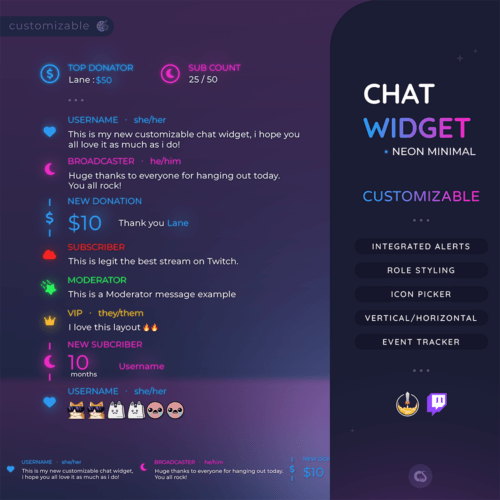
☆ Role-based Styling for ( Viewer, Mods, Broadcaster, Vip, Subscriber)
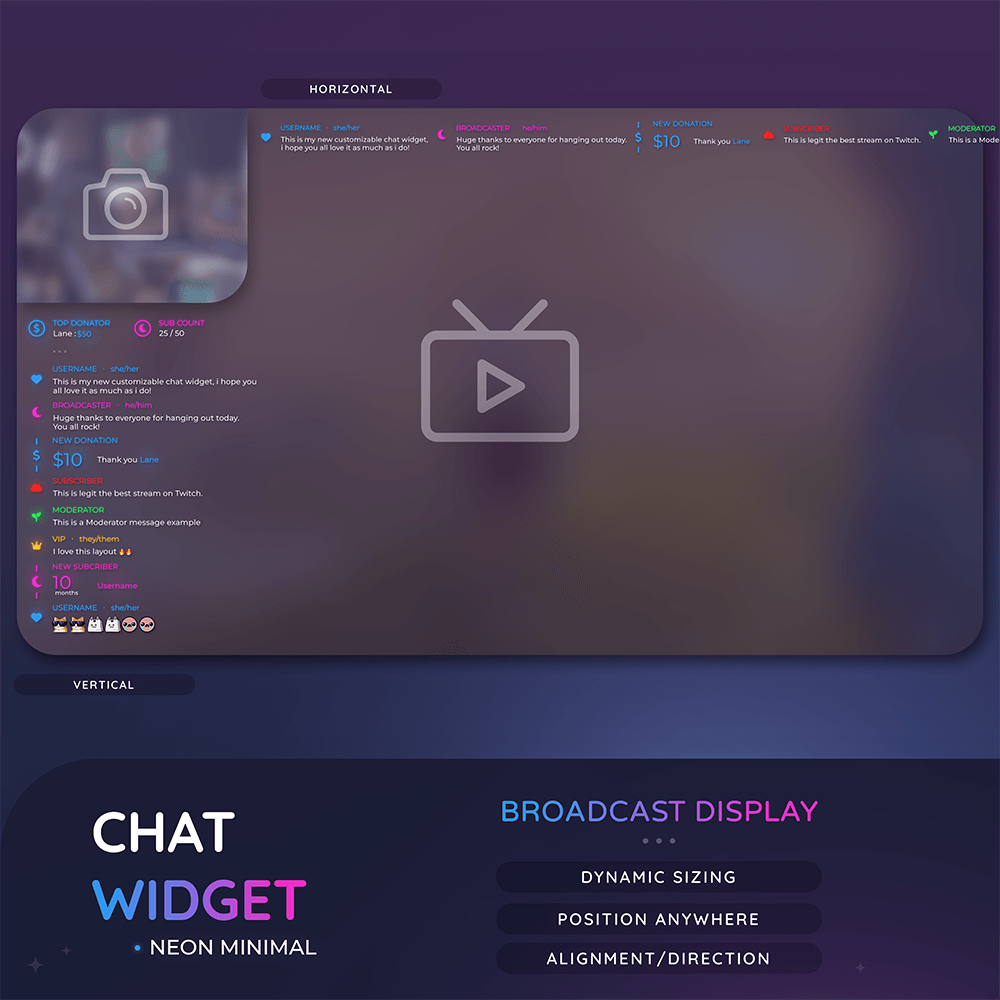
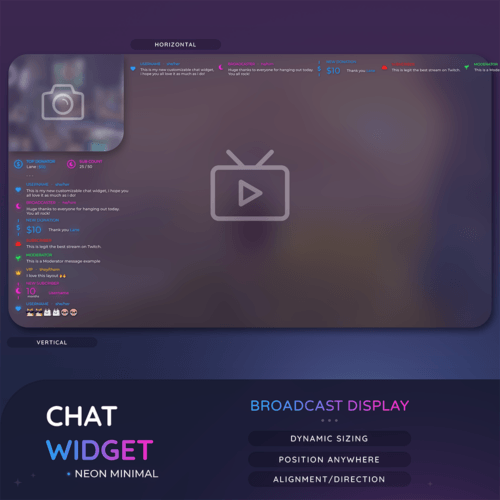
☆ Vertical – Horizontal Options
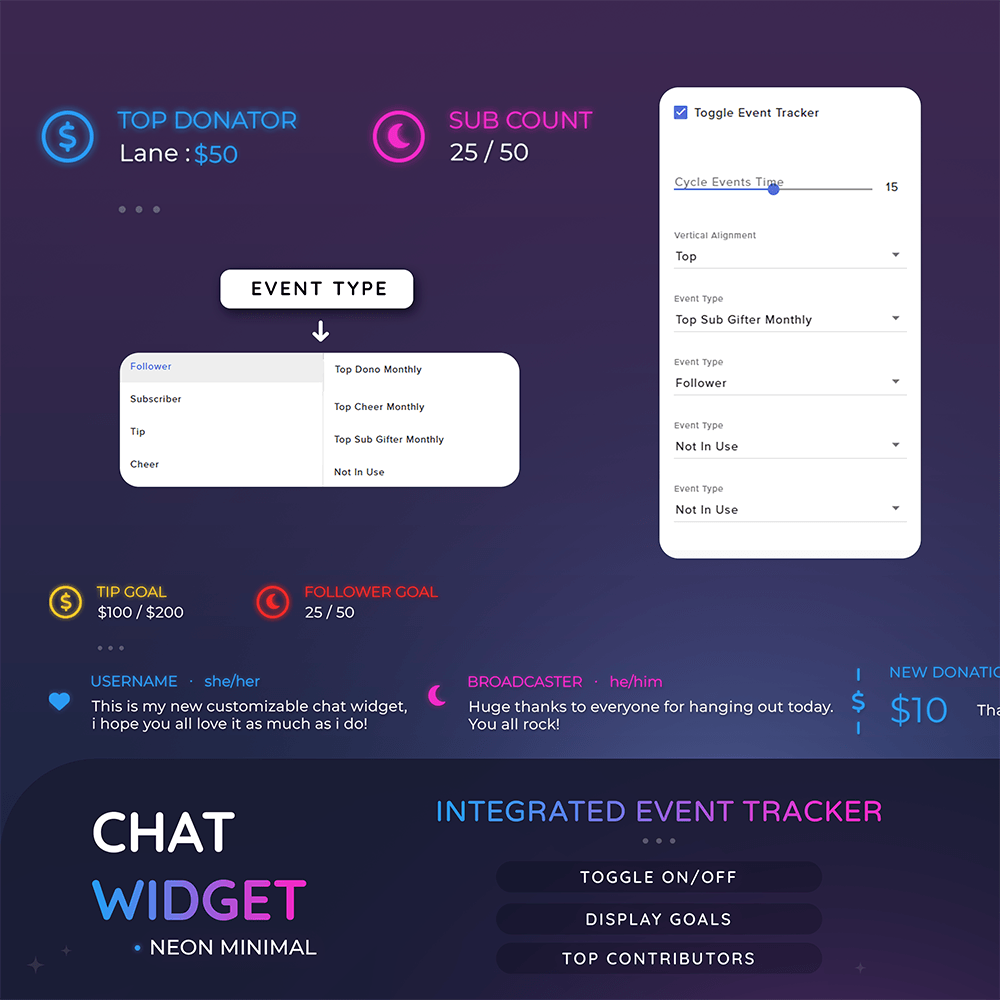
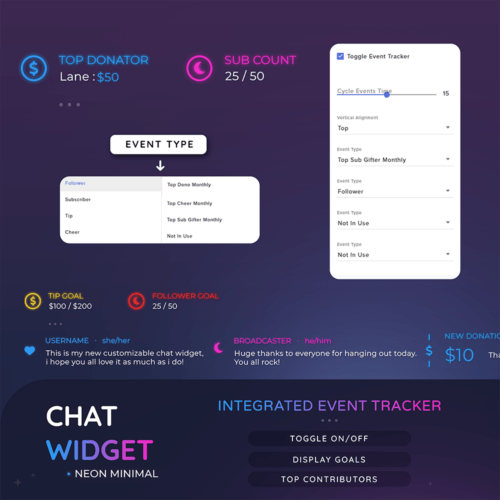
☆ Built in Event Tracker – Goals, Top Contributors (Togglable)
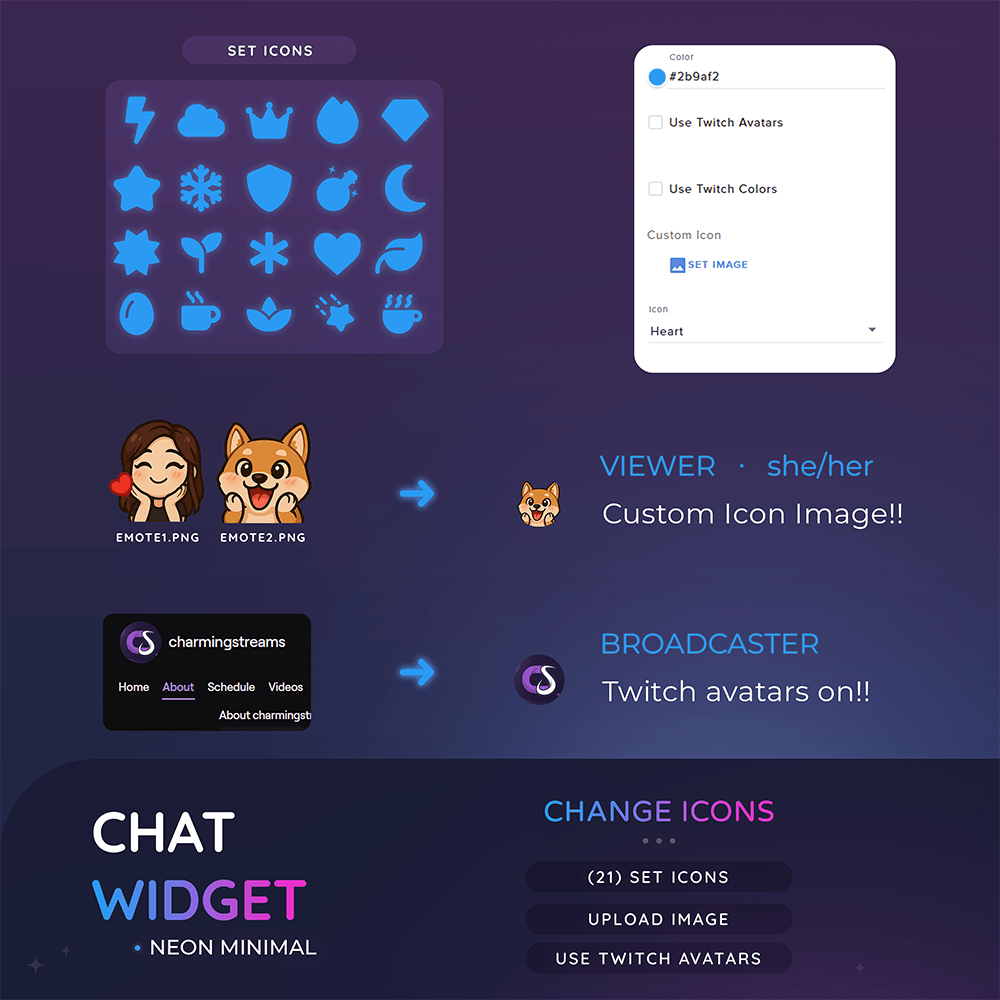
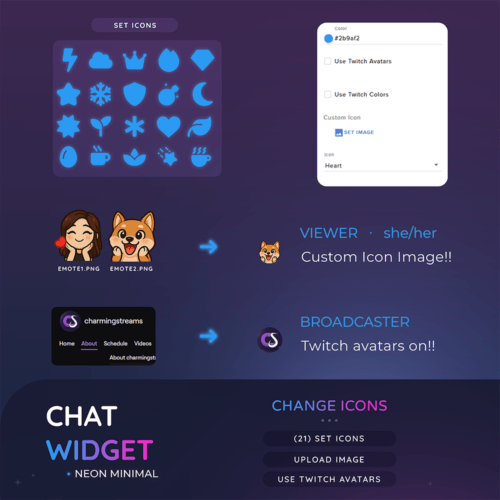
☆ Twitch Avatar Support, replace icons with viewers Twitch profile images
☆ Color Sync Support, Chat names Sync with there twitch chat color settings
☆ Vertical – Horizontal Options
☆ Built in Event Tracker – Goals, Top Contributors (Togglable)
☆ Twitch Avatar Support, replace icons with viewers Twitch profile images
☆ Color Sync Support, Chat names Sync with there twitch chat color settings
Customisation Options
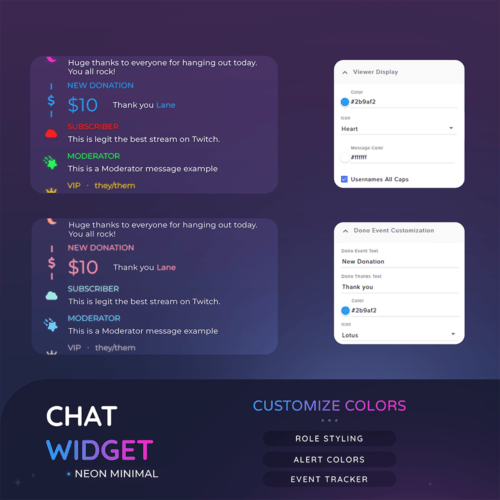
☆ Individual Role Styling Options
☆ Chat orientation – Direction
☆ Vertical – Horizontal
☆ 21 Set Icons available
☆ Upload custom icons,emotes (replaces set icon)
☆ Toggle Twitch avatars
☆ Toggle Twitch chat colors
☆ Choose events to track (max 4 can be set)
☆ Toggle Event Tracker
☆ Toggle Pronouns
☆ Toggle Badges
☆ Message Limit
☆ Hide commands
☆ Muted Users
☆ Font
☆ Headings – Text
☆ More….
☆ Chat orientation – Direction
☆ Vertical – Horizontal
☆ 21 Set Icons available
☆ Upload custom icons,emotes (replaces set icon)
☆ Toggle Twitch avatars
☆ Toggle Twitch chat colors
☆ Choose events to track (max 4 can be set)
☆ Toggle Event Tracker
☆ Toggle Pronouns
☆ Toggle Badges
☆ Message Limit
☆ Hide commands
☆ Muted Users
☆ Font
☆ Headings – Text
☆ More….