
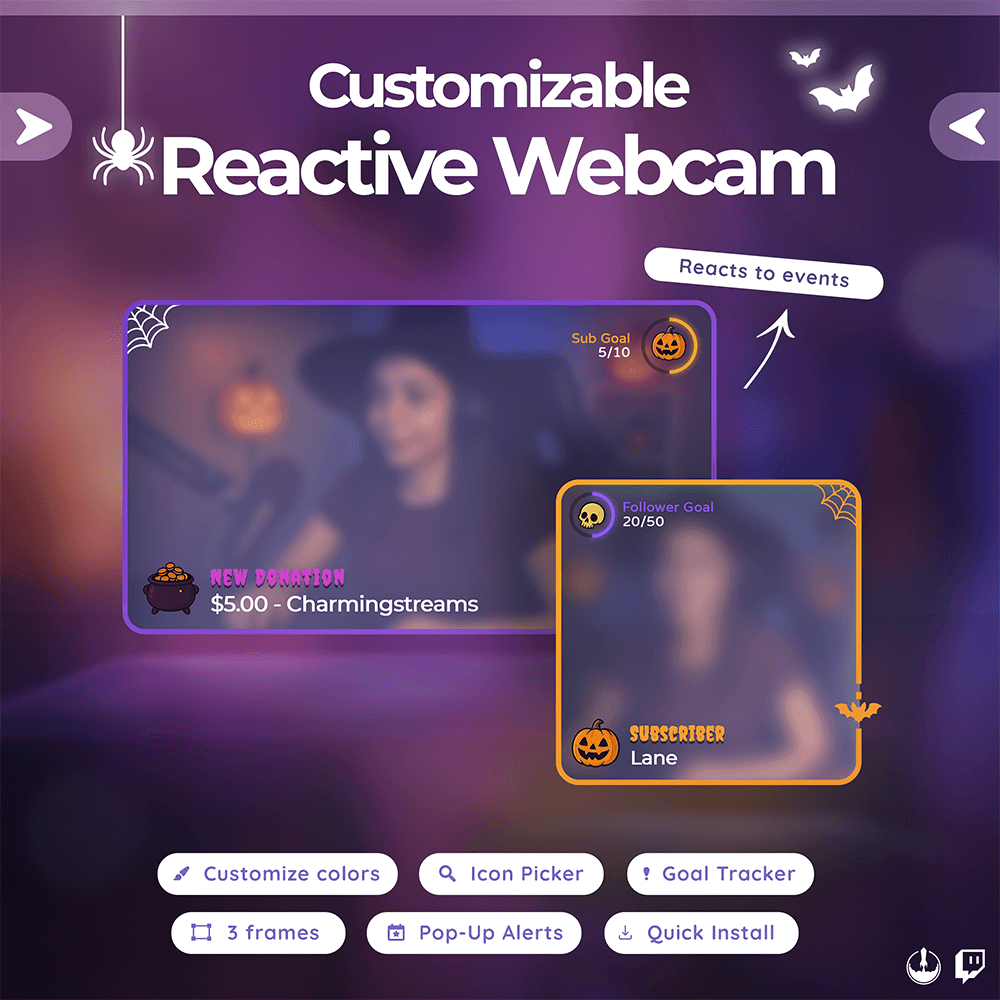
Halloween Reactive Webcam Widget

$17.00

πŸ•ΈοΈ π‡πšπ₯π₯𝐨𝐰𝐞𝐞𝐧 π‘πžπšπœπ­π’π―πž π–πžπ›πœπšπ¦ 𝐎𝐯𝐞𝐫π₯𝐚𝐲 β€’ 𝐒𝐩𝐨𝐨𝐀𝐲 𝐌𝐒𝐧𝐒𝐦𝐚π₯𝐒𝐬𝐭 πƒπžπ¬π’π π§ + 𝐀π₯𝐞𝐫𝐭𝐬 + π†π¨πšπ₯ π“π«πšπœπ€πžπ«

Features

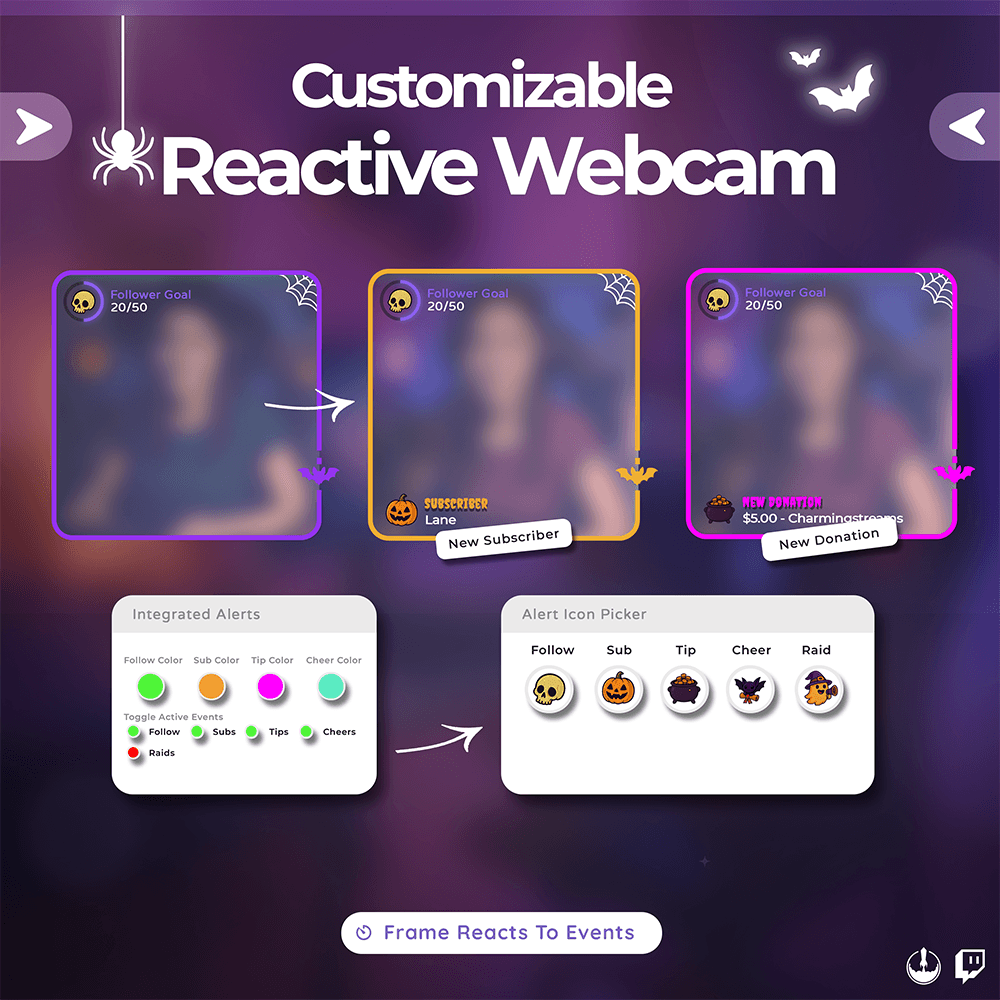
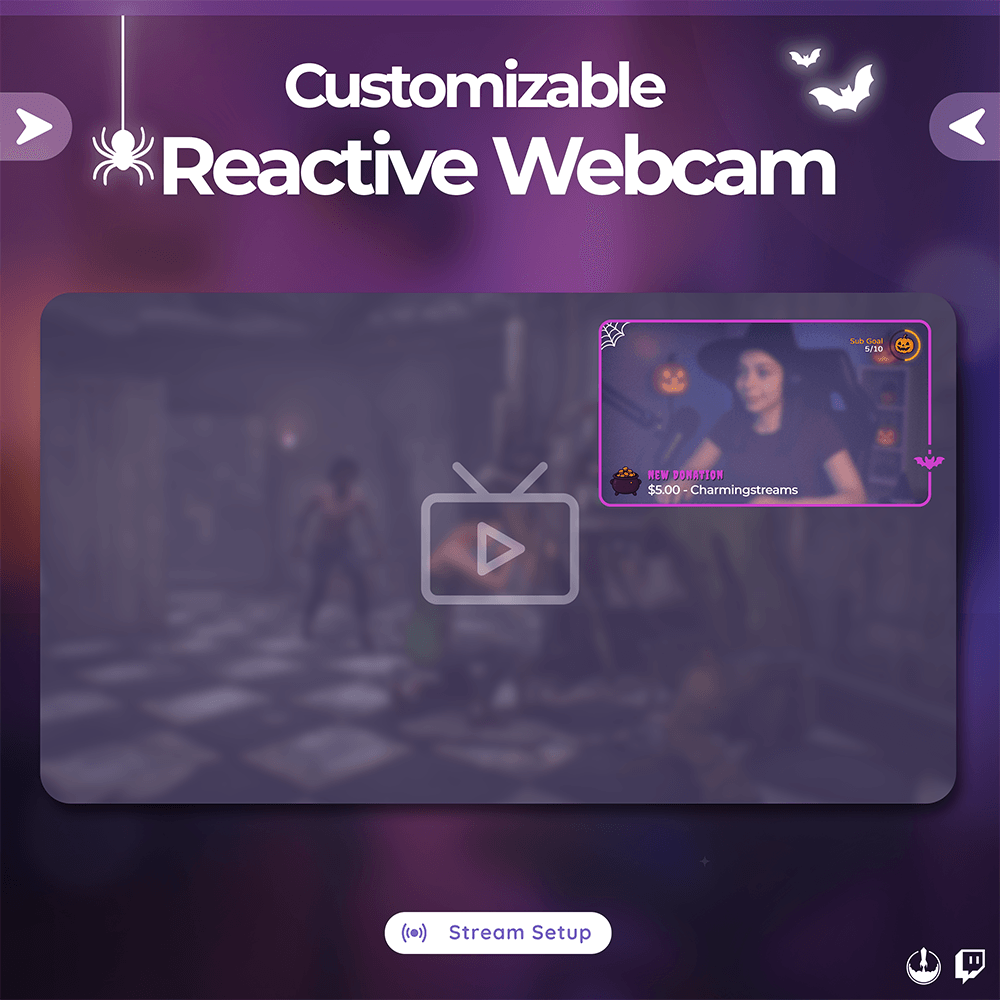
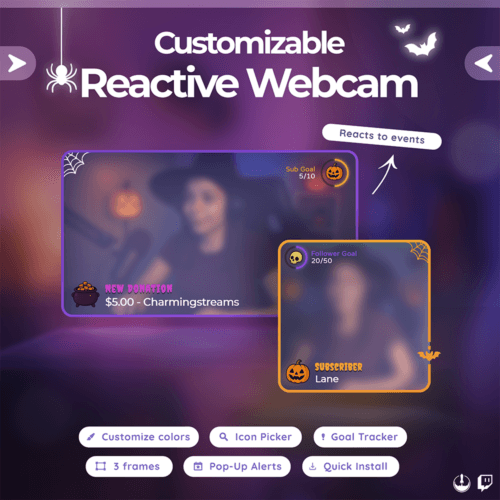
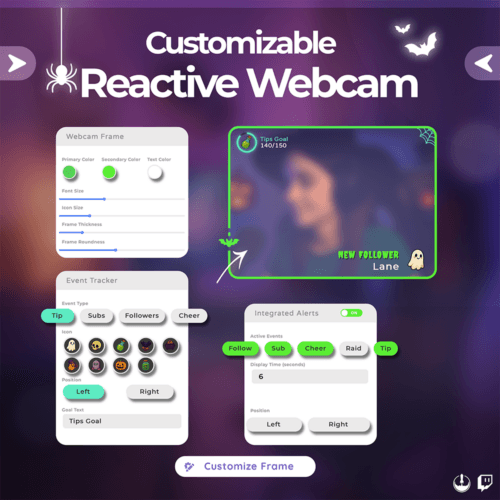
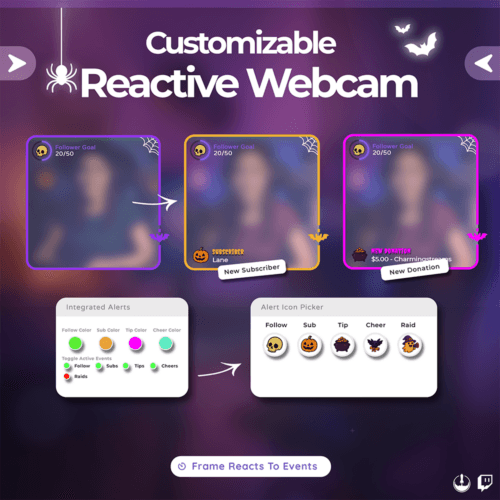
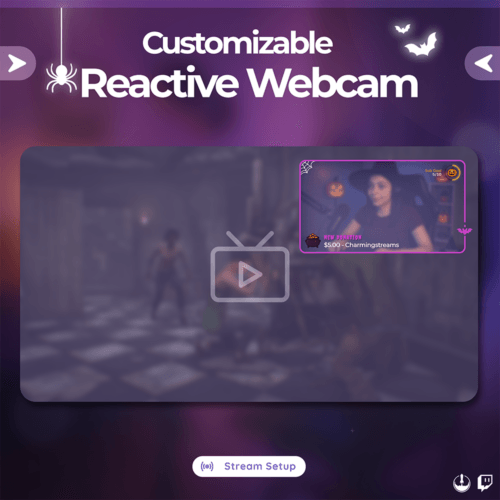
β˜† Webcam-coded widget with reactive frame color for live alerts
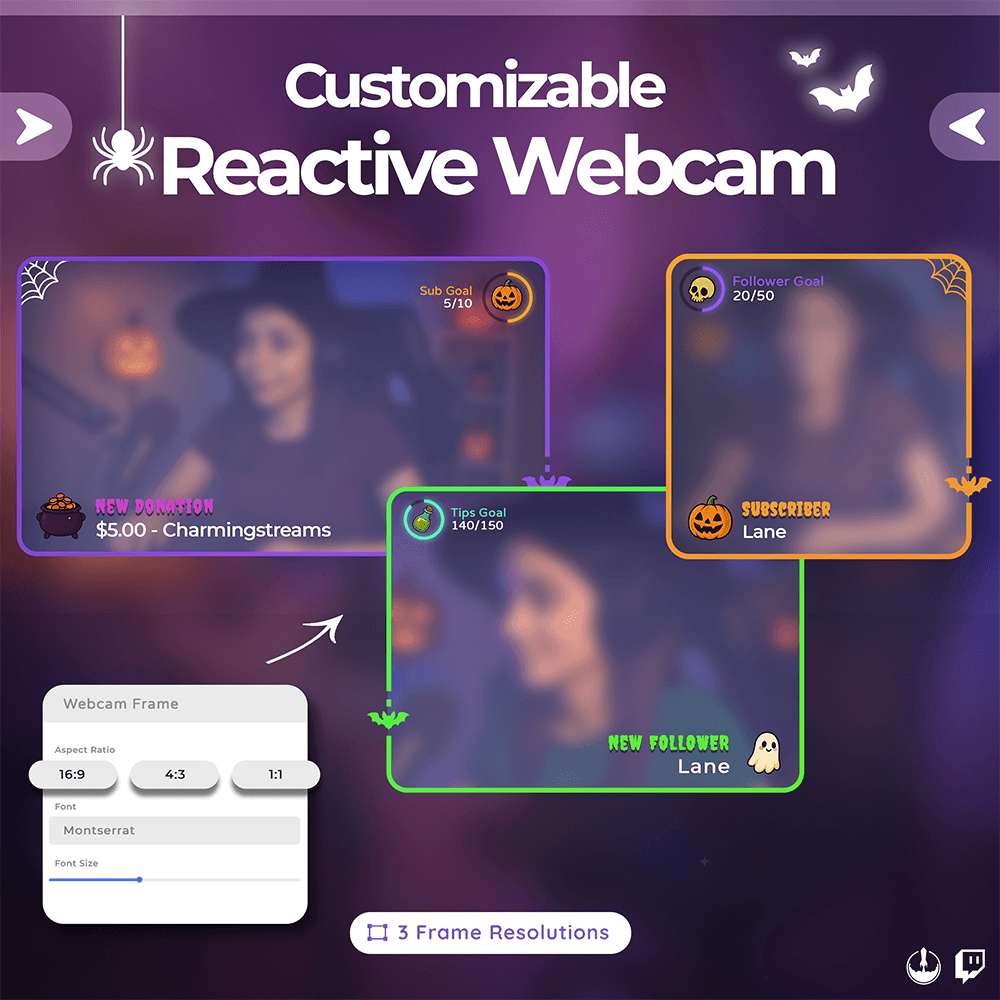
β˜† Built-in goal tracker with customizable layout and frame sizes

Customisation Options

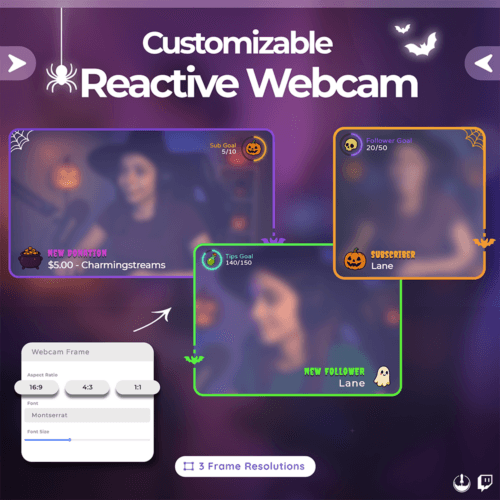
β˜† Frame Sizes: 16:9 β€’ 4:3 β€’ 1:1
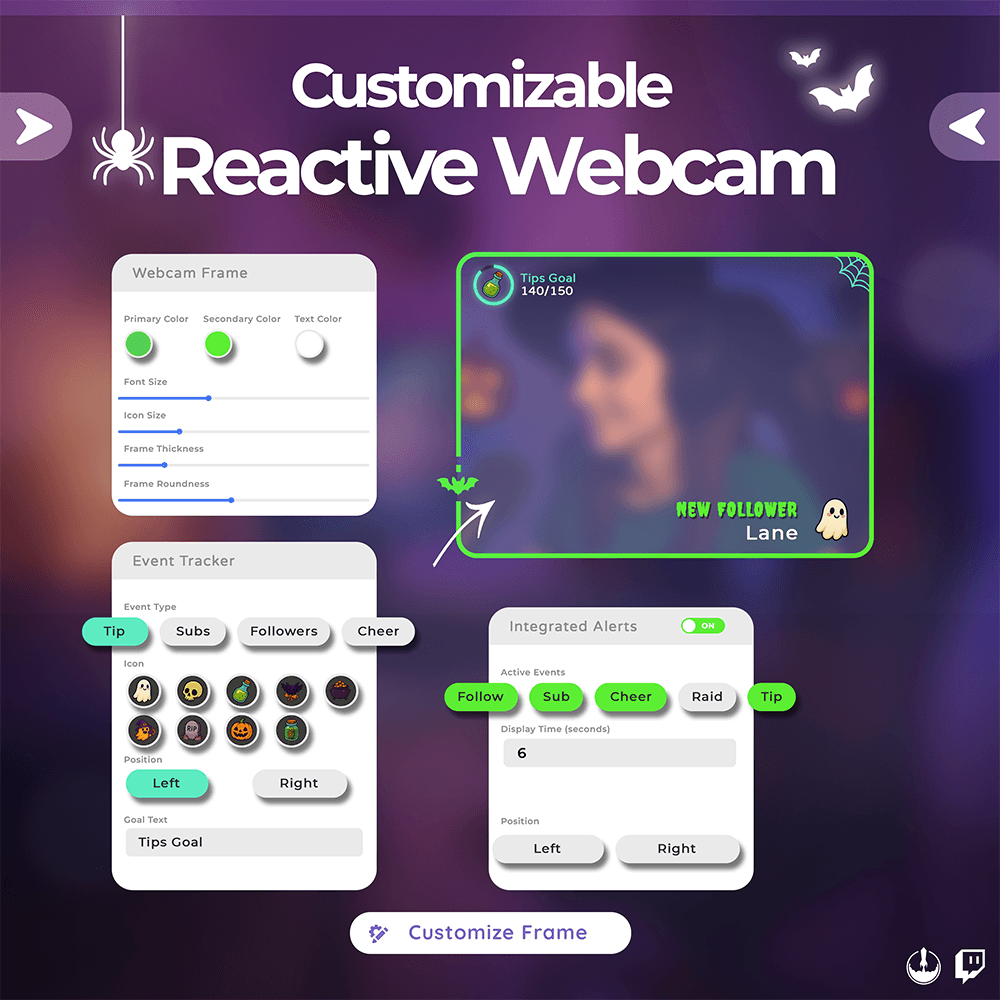
β˜† Goal Tracker Type
β˜† Frame Color + Per-Alert Color
β˜† Halloween-Themed Icons
β˜† Animated Alert Icons
β˜† Alert & Goal Positioning
β˜† Custom Text, Font, Icon Size
β˜† Frame Thickness & Roundness
β˜† Toggle Alerts & Tracker

Preview

Why Choose Hexeum ?

Compatibility

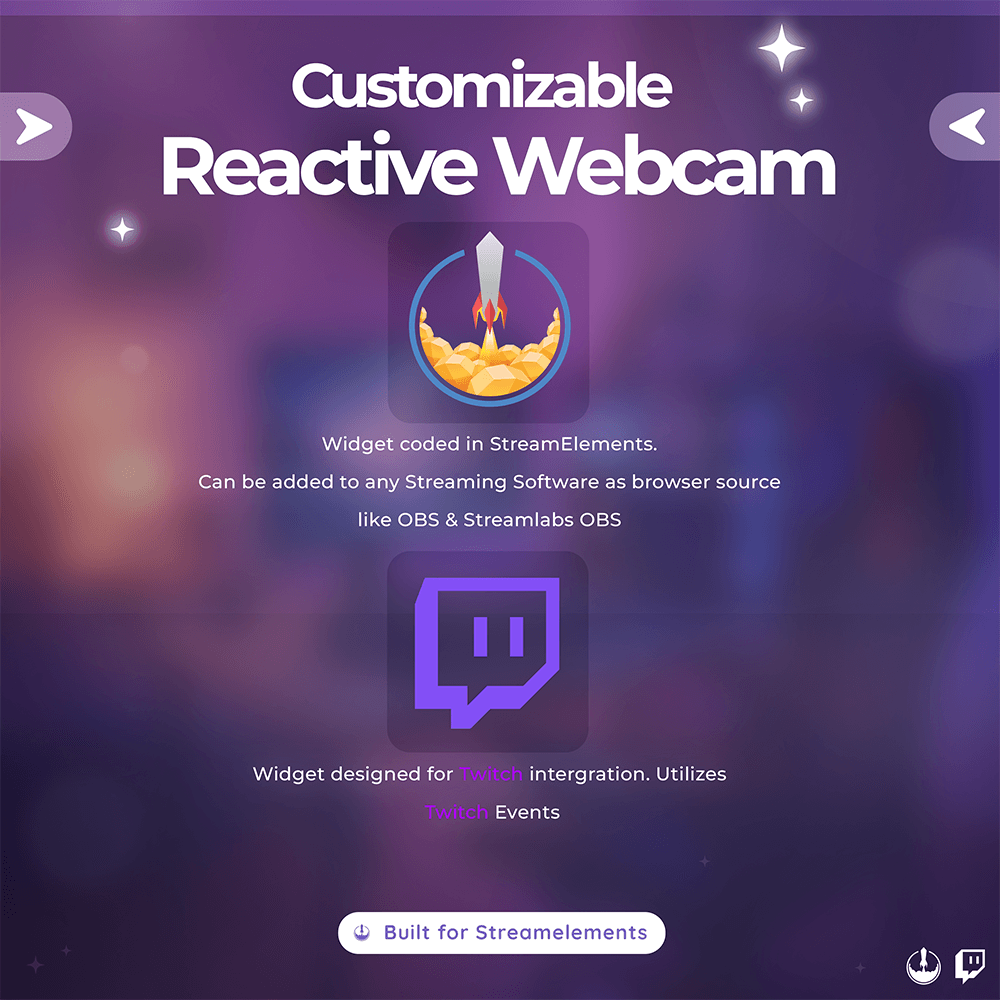
β˜† Streamelements (Required) β˜† OBS Classic β€’ OBS Studio β€’ Streamlabs Desktop β˜† Integration via Browser Source β˜† Made for Twitch

Frequently Asked Questions

When you purchase a package you will be sent an instant download link.

Once downloaded you will need to extract the zip file. Within this zip file you will find all of your files.Β 

Look for a README or Tutorial file and open in your browser. This will direct you to our installation guide found here.

If you have our guides and are still having trouble setting up the package. We will gladly assist you.Β 

You can send us a message from our support page.

Once you have installed the widgets you can check our setup guide for details on customising each widget.

On occasion our order emails get put into alternate folders in your inbox. Make sure to check your junk/spam folders for your order email.