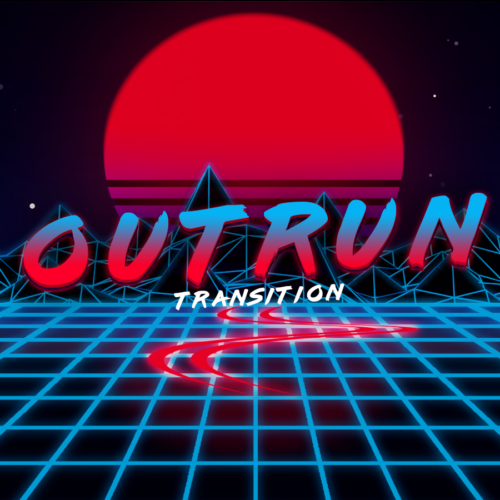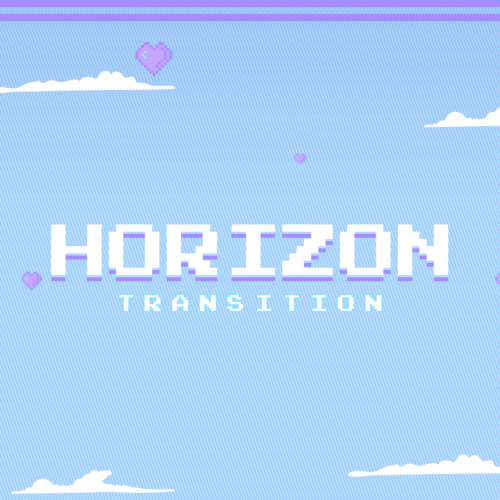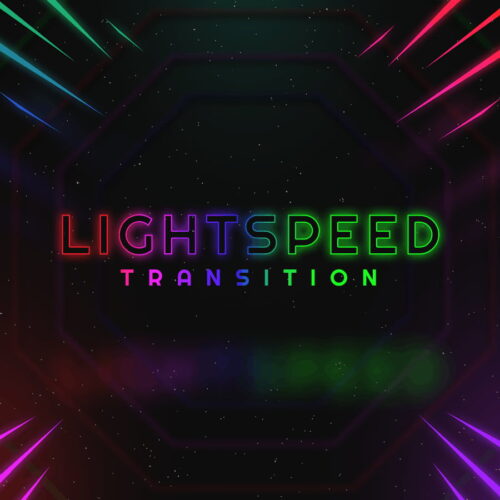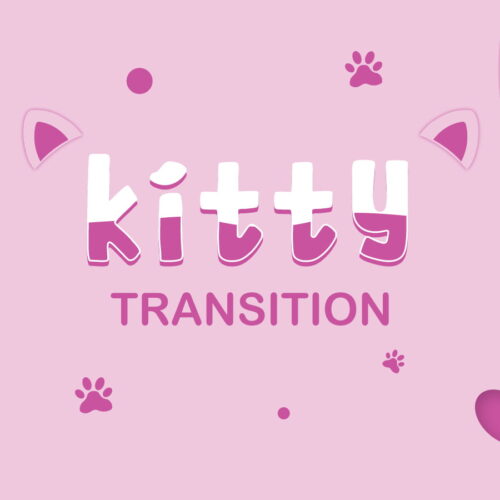

A stinger transition is an animated video that smoothly transitions between scenes, especially used by live streamers. A transparent animated graphic will first cover the screen whilst the scenes change in the background, that graphic then disappears off screen. This creates a polished and professional look, making your audience’s streaming experience more captivating and immersive.
How To Setup Stinger Transition in OBS ?
Download the stinger transitions from our store once your purchase is confirmed
Extract the Zip file on your computer and find your .WebM file
Now open up OBS studio
Select the + icon under the Scene Transitions section
Add the .WebM file using the Browse button
Change Transition Point Type to Frame
Set Transition Point between 30-50
For Streamlabs desktop users, the steps are essentially the same.
Free Stinger Transitions
We often get asked if we’ve got any free stinger transitions available in store. The answer is yes! Fortunately our ever growing list of freebies include a selection of stingers, available to download instantly.
These free transitions are a great starting point for anyone looking to get to grips with streaming, or perhaps testing the best combination of software to use for your stream.
A stinger transition is usually 1920×1080. Since a transition stinger is meant to cover the whole stream, then its size should correspond with the resolution that you stream at
Stinger transitions are used to achieve smooth scene changes, professional appearance, and branding/personalization. They create polished transitions and add visual appeal. The vast majority of big streamers are utilizing stingers because they know just how valuable they are.
Stinger transitions in OBS should be between 1-3 seconds. Transitions less than 1 second are too quick and longer than 3 seconds is much too long and can be a source of frustration to viewers.
Yup! This can be achieved using a plugin for OBS known as Transition Table. This powerful tool allows you to create a different transition based on a source scene and target scene.
If you’re a streamer then WebM is the best file format for stinger transitions. WebM files are highly optimized but also allow transparency, which is a key factor that makes a transition work.
If you’re using the scene transition for a video file then you can use a MOV file.
For professional Valorant players, the branding and overlays they use on stream play a crucial role, not just in shaping their personal identity, but also
Live streaming platforms, notably Twitch, have transformed the dynamics between content creators and their audiences, allowing real-time interactions and a deepened sense of community. However,

We use cookies to ensure that we give you the best experience on our website. If you continue to use this site we will assume that you are happy with it.OkNoPrivacy policy